Flag Display App
Show any country's flag fullscreen on your phone. 250+ flags available offline — perfect for stadiums and events.


Show any country's flag fullscreen on your phone. 250+ flags available offline — perfect for stadiums and events.
A flag display app turns your phone into a vibrant fullscreen flag. FanScreen includes over 250 flags covering every recognized country and territory — all stored locally on your device for instant access.
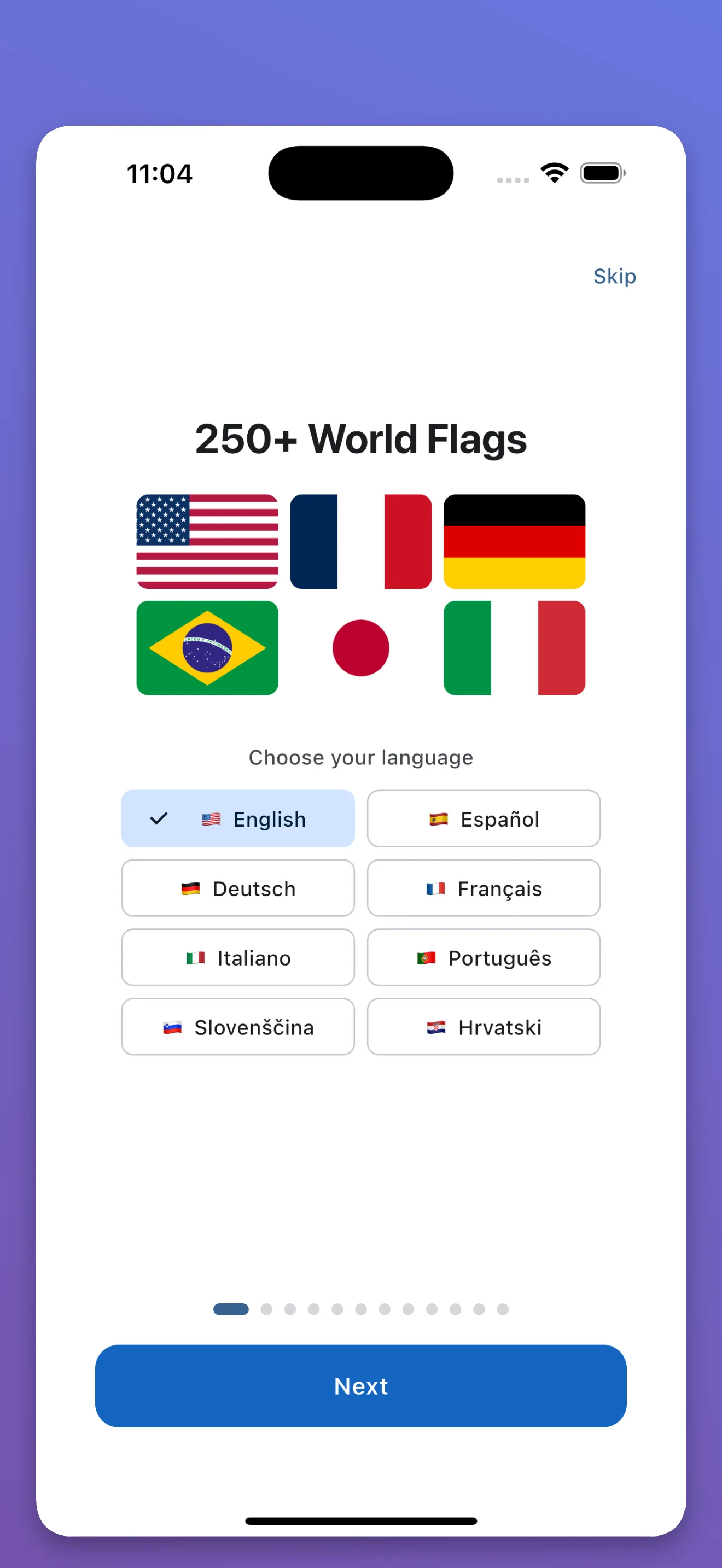
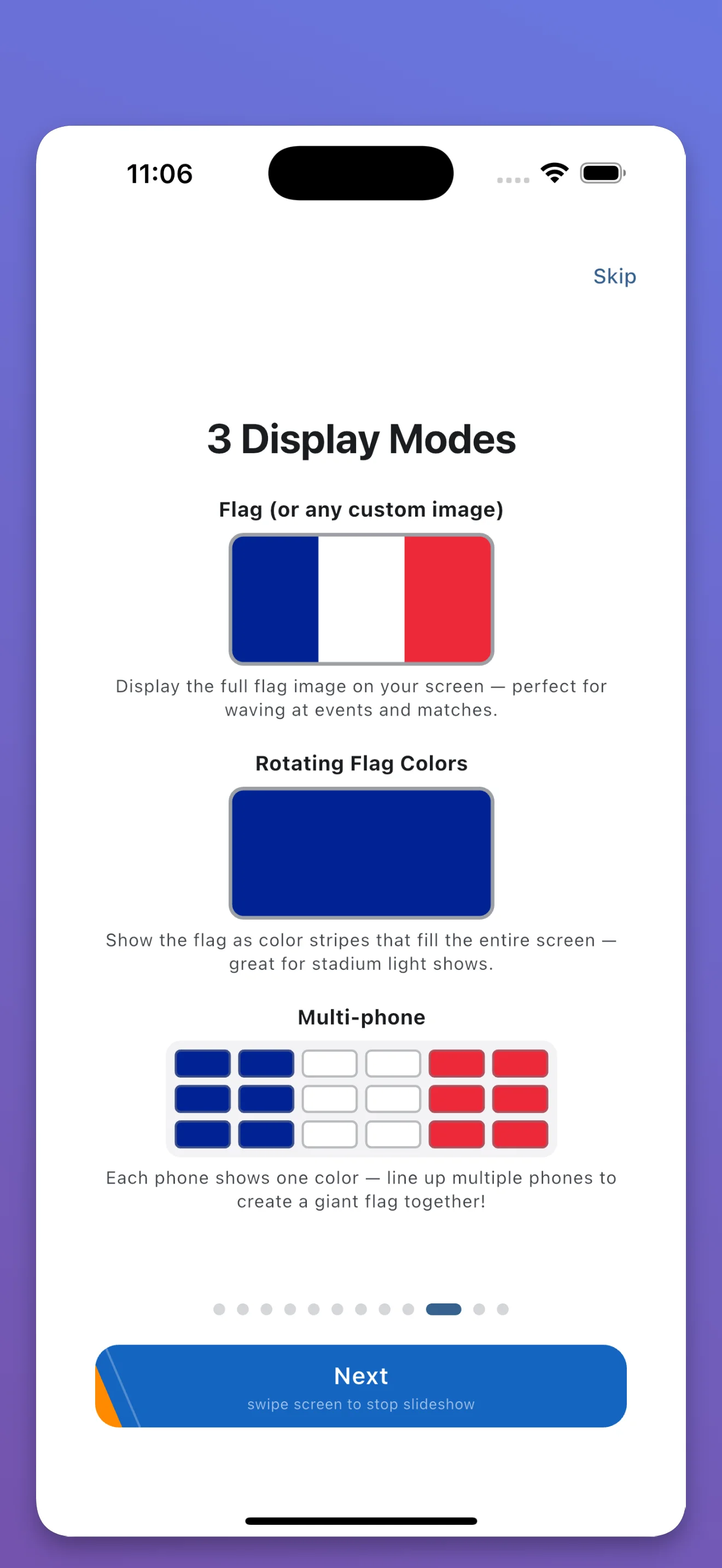
Every country, territory, and regional flag in our complete library.
Find any flag instantly by country name. Works in 8 languages.
Tap any flag to fill the entire screen. Maximum visibility at events.
All flags stored locally. No internet needed at the stadium.
250+ flags, completely free, works offline
A flag display app turns your phone screen into a fullscreen flag. You can show any country's flag at stadiums, concerts, or celebrations. FanScreen includes 250+ flags that work offline.
FanScreen includes over 250 flags covering every recognized country and territory. All flags are built into the app and work without internet.
Yes. All 250+ flags are stored locally on your device. No internet connection is needed — perfect for stadiums and venues with poor signal.