Offline Flag App
250+ flags stored locally. No internet required — even at stadiums with no signal, your display works perfectly.


250+ flags stored locally. No internet required — even at stadiums with no signal, your display works perfectly.
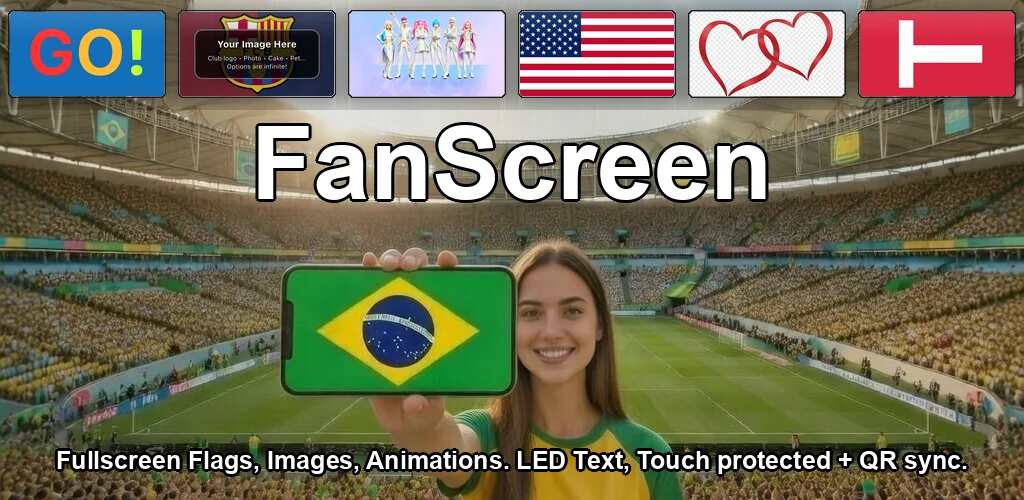
An offline flag app is essential for events. Stadium Wi-Fi is overloaded, cellular signal is weak, and streaming apps fail. FanScreen stores everything locally — 250+ flags, 16 text animations, colors, and patterns — so your display works perfectly regardless of connectivity.
| Feature | Works Offline? |
|---|---|
| 250+ Country Flags | ✓ Yes |
| 16 Text Animations | ✓ Yes |
| Solid Colors | ✓ Yes |
| Color Patterns | ✓ Yes |
| Custom Images | ✓ Yes (saved locally) |
| Shows (multi-step) | ✓ Yes |
| Multi-Phone Sync | ◐ QR scan needs camera; playback is offline |
| Home Screen Widget | ✓ Yes |
Stadiums with 50,000+ fans overload cellular networks. FanScreen doesn't need signal.
No loading, no buffering. Flags and animations display instantly from local storage.
Local-first playback keeps network activity minimal during use, which helps battery life.
International events, remote venues, areas with no coverage — FanScreen always works.
Install FanScreen while you have Wi-Fi — then use it offline at the stadium
Yes. All 250+ flags, text animations, colors, and patterns are stored locally on your device. You only need internet to download the app initially. After that, everything works offline.
Stadiums and large events often have poor cellular signal due to network congestion from thousands of people. An offline flag app ensures your display works reliably regardless of connectivity.
Mostly. You need a brief connection to scan the QR code. After scanning, shows run on UTC clock sync without internet.