Stadium Phone Display
Light up the stands with flags, LED text, and synchronized phone displays. The ultimate fan experience.


Light up the stands with flags, LED text, and synchronized phone displays. The ultimate fan experience.
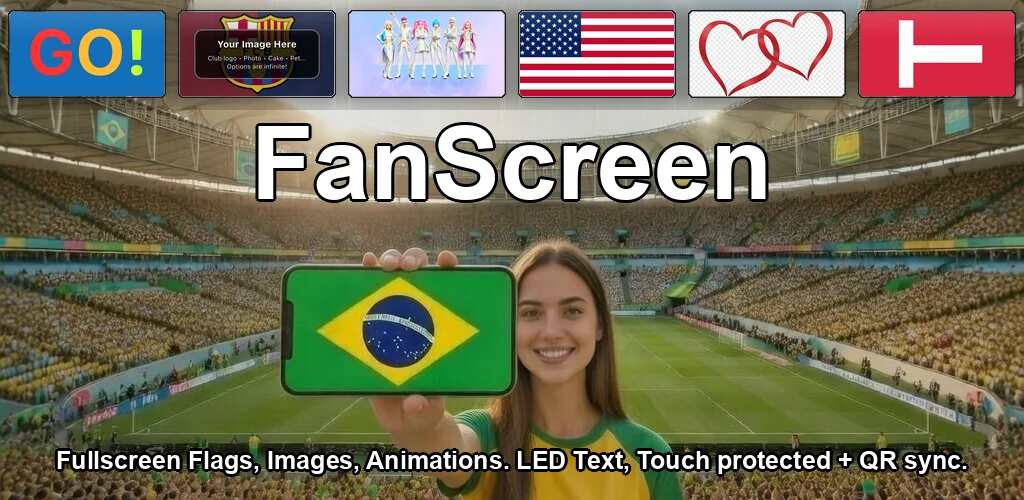
A stadium phone display app transforms every fan's phone into a coordinated visual element. FanScreen lets you show country flags, scrolling LED text, solid colors, and even synchronized multi-phone shows — turning the entire stands into a sea of light.
250+ flags for any international match or tournament. Show support for your team.
16 text animation styles — scroll your team's name, chants, or messages across the screen.
Coordinate displays across thousands of phones using QR-code sync and UTC timing.
Create multi-step sequences that play automatically — flag → text → color → repeat.
Download FanScreen free — works offline at any stadium
A stadium phone display app lets fans show flags, text, and colors on their phone screens during sporting events. When many fans use it together, the stands light up with coordinated displays.
Yes. FanScreen uses QR-code-based sync with precise UTC timing. One leader creates a show, shares a QR code, and all phones display synchronized content at exactly the same time.
Yes. All flags and animations are stored offline. Multi-phone sync only needs a brief connection to scan the QR code — after that, everything runs on UTC timing without data.