Home Screen Flag Widget
Display your country's flag on your phone's home screen. See your flag every time you unlock — on iPhone and Android.


Display your country's flag on your phone's home screen. See your flag every time you unlock — on iPhone and Android.
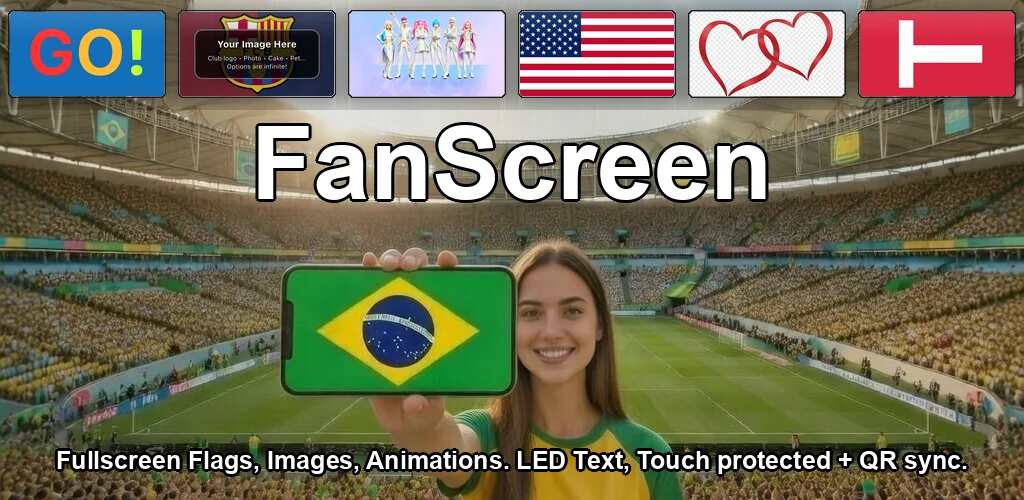
A home screen flag widget puts your country's flag right on your phone's home screen. No need to open an app — your flag is always there. FanScreen offers widgets for both iOS and Android with 250+ flags to choose from.
Display any flag directly on your home screen. Updates instantly.
Choose from every country and territory flag in our library.
Native widgets for both platforms — designed for each OS.
Switch flags anytime from the app or widget settings.
Free flag widgets for iPhone and Android — 250+ flags
A home screen flag widget displays a country flag directly on your phone's home screen. Instead of opening an app, you see your flag every time you unlock your phone. FanScreen offers widgets for both iOS and Android.
Long-press on your iPhone home screen, tap the + button, search for FanScreen, and select the widget size. Then configure it by choosing which flag to display from the 250+ available flags.
Yes. Open FanScreen, go to Settings, and select a different flag for your home screen widget. The widget updates automatically.