LED Text Animation App
Display scrolling LED text and animated banners on your phone. 16 professional animation styles — completely free.


Display scrolling LED text and animated banners on your phone. 16 professional animation styles — completely free.
An LED text animation app turns your phone into a digital LED banner. FanScreen includes 16 distinct animation engines — from classic scrolling to dramatic fire and neon effects. Perfect for stadiums, concerts, parties, and anywhere you want to display a message.
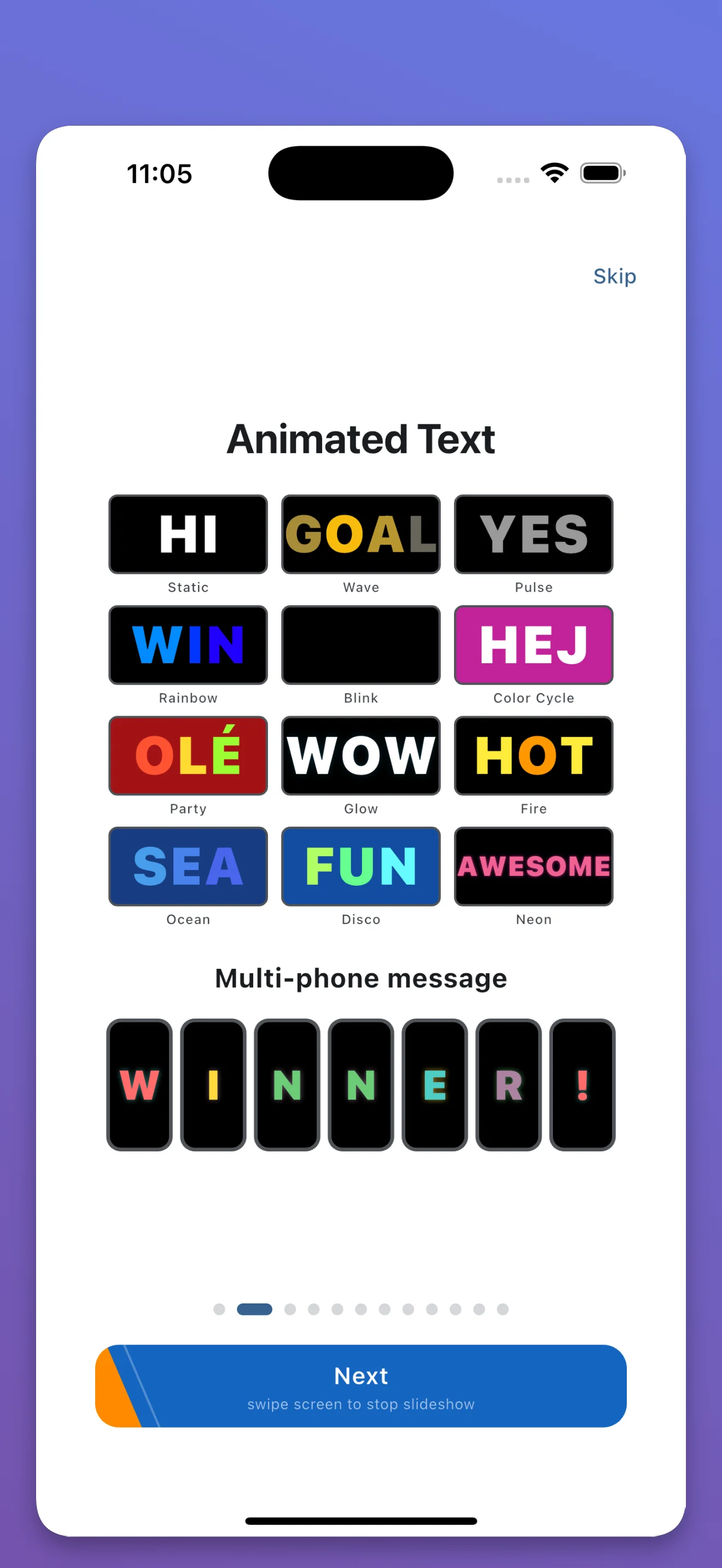
16 animation styles, custom colors, completely free
An LED text animation app displays scrolling or animated text on your phone screen, simulating an LED sign or banner. FanScreen offers 16 different animation styles including neon glow, fire, wave, rainbow, and classic scrolling.
FanScreen includes 16 text animation styles: scrolling, wave, neon, fire, rainbow, pulse, typewriter, bounce, gradient, sparkle, matrix, glitch, retro, slide, zoom, and fade.
Yes. Each animation style supports custom text color, background color, font size, and animation speed. You can also set custom text content in any language.