Multi-Phone Sync App
Synchronize phone displays across unlimited devices. QR code sharing with precise UTC timing — no server needed.


Synchronize phone displays across unlimited devices. QR code sharing with precise UTC timing — no server needed.
FanScreen's multi-phone sync lets you coordinate displays across any number of phones. No accounts, no server, no internet required after the initial QR code scan.
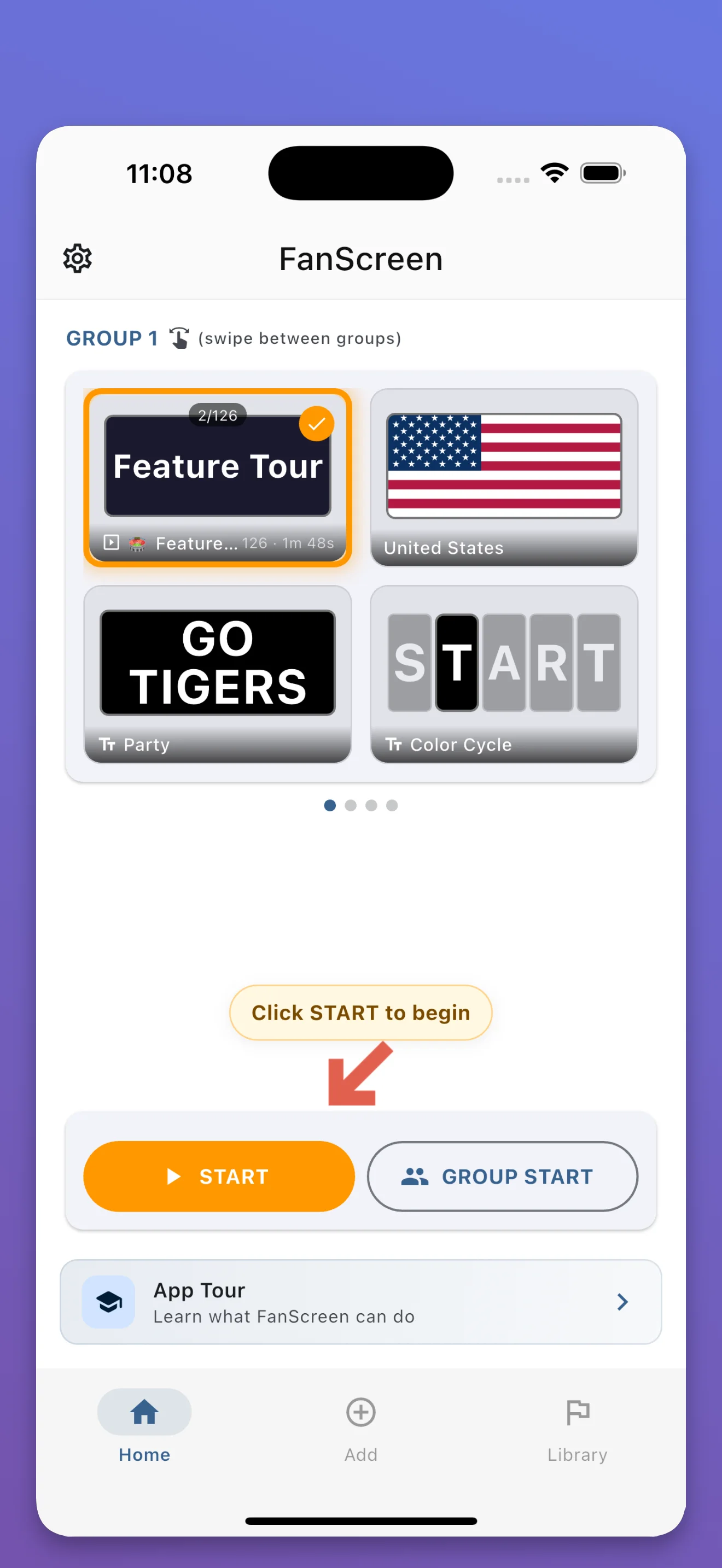
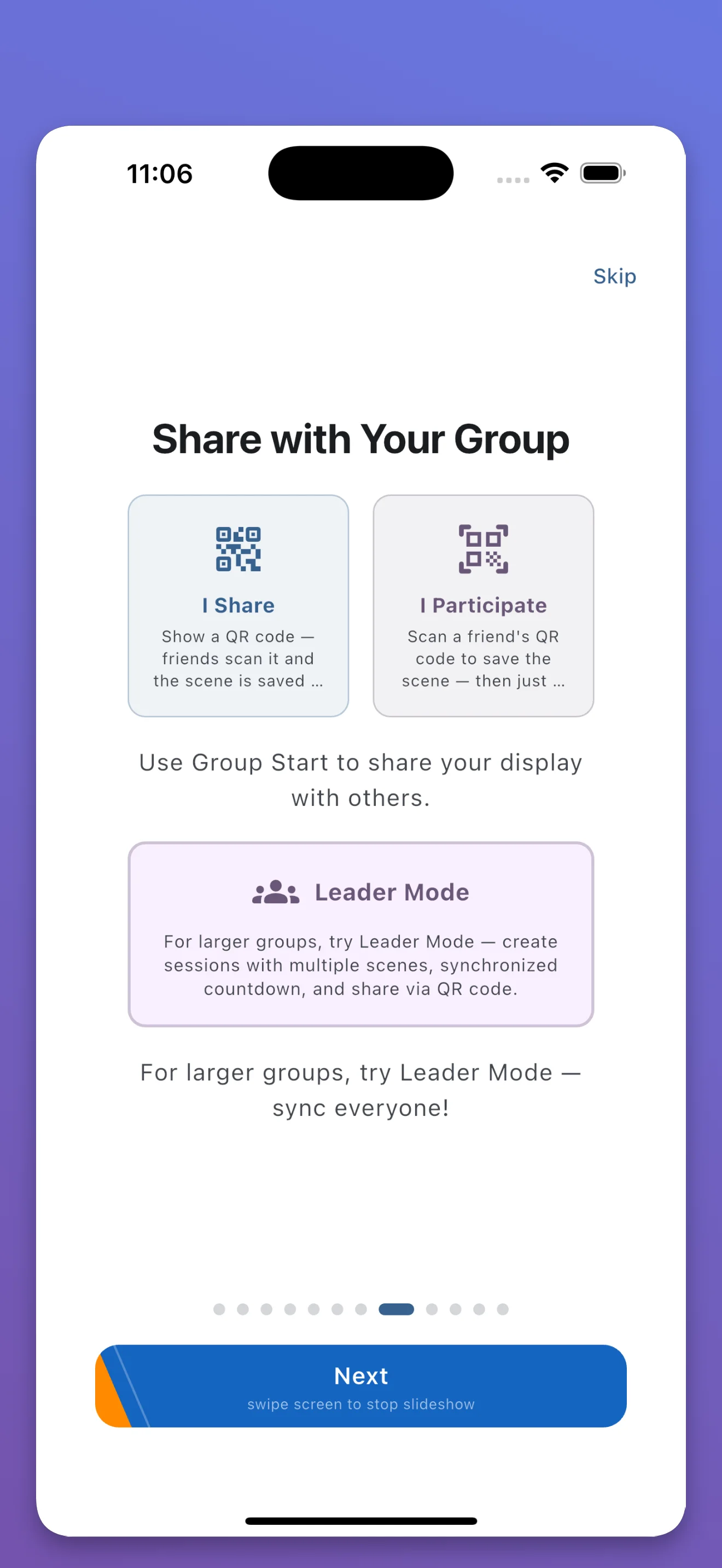
Build a multi-step sequence of flags, text, and colors
Generate a QR code that contains all display data
All phones start at the same time using UTC clock sync
No accounts, no registration. Just scan and go.
All phones use UTC clock sync for frame-level accuracy.
No device limit. Works from 2 phones to entire stadiums.
After scanning, shows run locally without internet.
Free multi-phone sync with QR codes — no accounts needed
One person creates a Show in FanScreen and generates a QR code. Other people scan the QR code with the app, and all phones start displaying the same content at exactly the same time using UTC clock synchronization.
There is no limit. Since sync uses UTC timing (not a server connection), any number of phones that scan the QR code will synchronize. It has been tested with groups and is designed for stadium-scale crowds.
No. Phones only need a brief connection to scan the QR code. After that, all content plays locally using each phone's internal clock synchronized to UTC.